Luttaka ticket ordering flow
01
Luttaka logo

Walking through the ticket flow

From public purchase, to ticket orders, to tickets, persons, and participant use.

A calm walkthrough for the team managing ticket orders.
Tonik
Tonik audience
What the flow is and where the pieces fit.
Big picture
02

The flow in four steps

1

Someone orders access

Usually on the public event page, sometimes from the organizer side.

2

A ticket order is created

This becomes the main container for that batch of access.

3

Tickets are generated

The order turns into individual tickets that can be used.

4

The tickets reach people

Assignment, QR, check-in, and participant views all happen here.

This is the thread through the rest of the walkthrough.
Start of the flow
03

Orders start on the public ticket page

Important point
The order comes first
Tickets do not appear as separate floating things. They are created from the order.
What happens there
  • A buyer chooses quantity and payment method.
  • The purchase creates a ticket order.
  • That order is later settled by card or invoice flow.
It gives the team one place to start reading the flow.
Organizer view
04

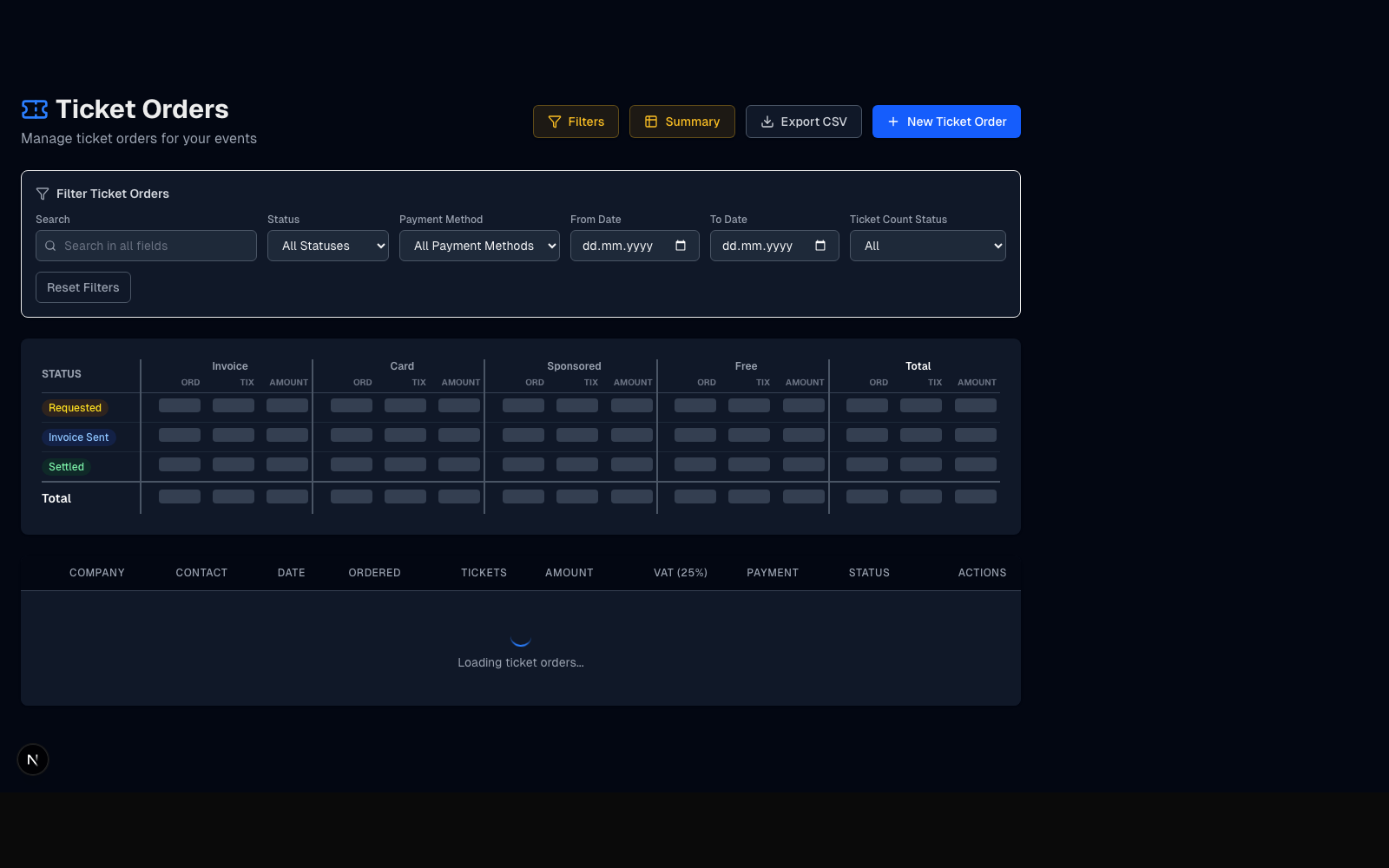
The ticket-orders page is the working view

What the team works with here
  • Filters narrow the list to what needs attention now.
  • The summary gives a quick read on status and payment method.
  • The list is where people open and act on specific orders.
Organizer ticket orders page in Luttaka
Summary for orientation, list for action.
Order to ticket
05

One order can lead to several tickets

Ticket order
“3 tickets by invoice” or “2 tickets by card” lives here first.
Settlement
Once the order is in the right state, the system can generate the individual tickets.
Tickets
Those tickets are then what can be assigned, shown, checked in, and used.
The order explains the batch. The tickets explain the access.
People
06

The buyer is often not the attendee

What the system needs to support
Buy here. Attend there.
A company contact can buy several tickets, but the real attendees still need to receive and use them.
That is where persons come in
  • Tickets can be assigned to the actual people who will attend.
  • Each person is specific to the event context.
  • This is what makes later badge, QR, and participant views work cleanly.
Persons help the tickets reach the right humans.
Organizations
07

Organizations add business context

Organization side
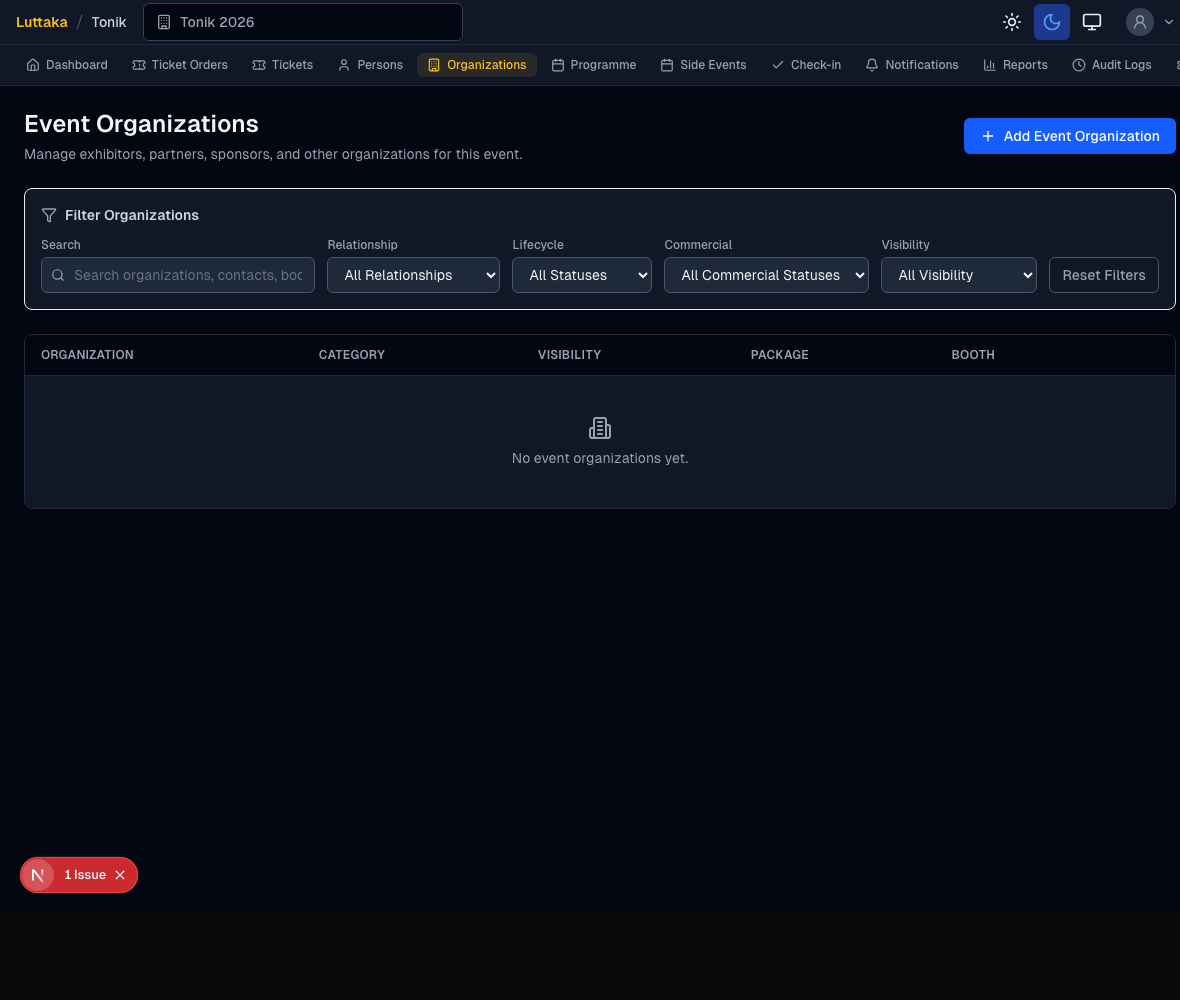
Company and event organization explain who the relationship is with: sponsor, partner, exhibitor, or another participating company.
The ticket order then explains what ticket access came out of that relationship.
Organizer event organizations page in Luttaka
Organizations explain who. Orders explain what.
Participant side
08

Then the ticket reaches the participant

My Tickets

People can see and manage the tickets that belong to them.

Native apps

The ticket becomes part of the wider event experience in mobile.

Check-in

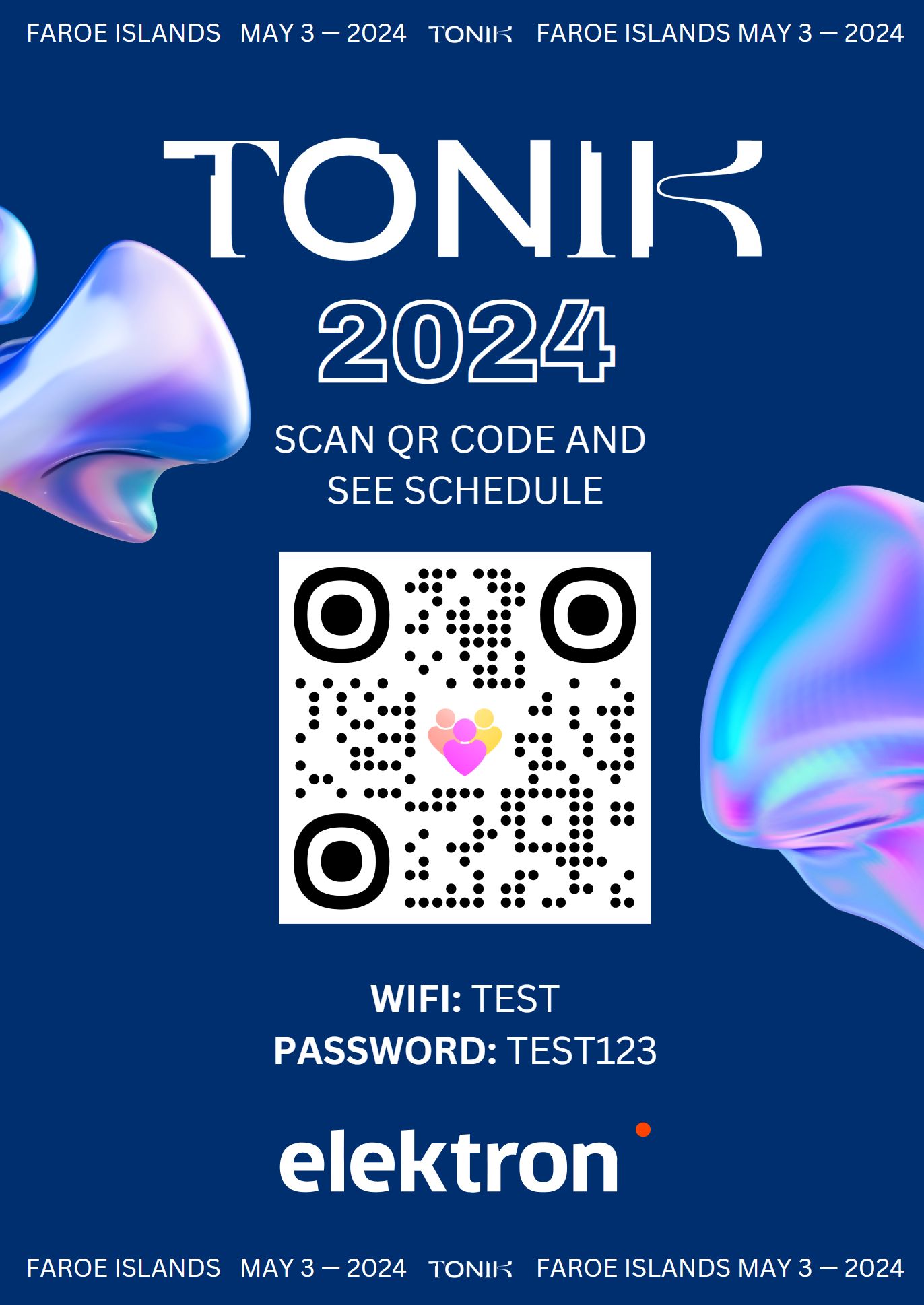
Badge, QR, and entrance flow depend on the ticket reaching the right person.

This is where the flow becomes visible to the attendee. What starts as an order ends as something a person can actually use.
Tonik badge and QR mockup
The ticket matters when the attendee can use it.
Current direction
09

More flows can start from ticket orders

Why
  • It is easier to understand and follow up on one shared flow.
  • Reports and summaries become easier to trust.
  • There are fewer side paths and fewer odd exceptions.
Plain-language version
If more ticket-related actions start with a ticket order, the rest of the system becomes easier for the team to read and explain.
One clearer flow is easier to operate than several side paths.
Closing
10

The flow in one sentence

Order the access
turn it into tickets
get those tickets to the right people
Useful question
Where in this flow does the team most often feel friction today?
Another useful question
Which part of the flow would be most helpful to make clearer next?
1 / 10